Save Instagram posts, Reels and carousels
Keep the reference itself: available photos, videos, captions and original links in one private collection.
From a post to a reusable reference
SaveContent is for inspiration you want to find again: an editing technique, a carousel layout, a product shot or a useful caption. Save an Instagram link in your collection, or use the Chrome extension’s Save as reference action in the post’s ··· menu to capture available post data.
- Create a SaveContent account and open your collection.
- Paste an Instagram post or Reel link. With the extension installed and signed in, you can also save directly from Instagram on desktop Chrome.
- Check the reference’s status. A saved link and a complete media archive are different: unavailable media is reported in your collection.
- Search saved text when you need the reference. Open the post to inspect captured media and metadata, or download available files as a ZIP.
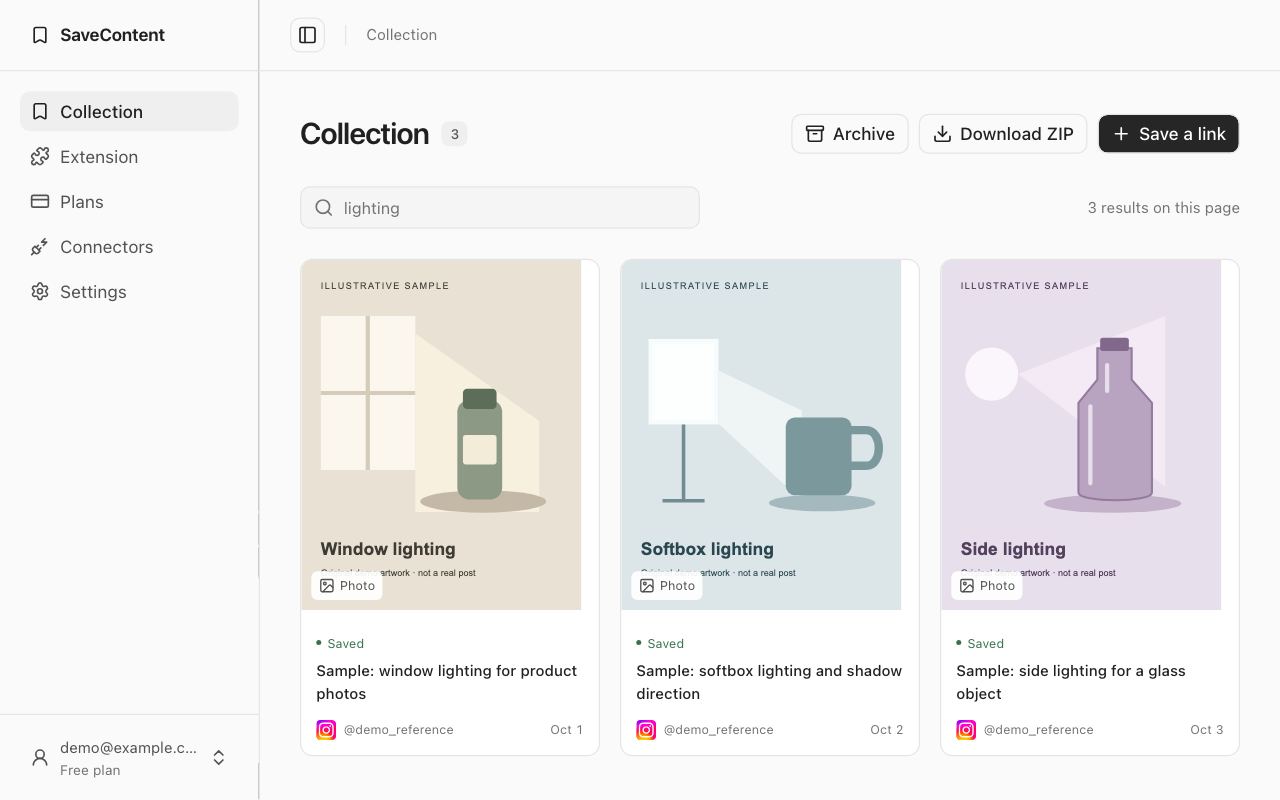
What a captured post can contain
A reference can include videos, photos from a carousel in order, captions, the author, the source link and statistics available at capture time. Exported metadata records missing files; statistics are a snapshot and do not update with the live post.
What to expect before saving
Instagram can restrict access to private, deleted or unavailable posts. The extension uses the post you open in your browser; SaveContent does not ask for your Instagram password. It does not bulk-import your existing Instagram Saved collection. Save individual references and verify the result before relying on an archive.
Media files are limited to 45 MiB each. Extension uploads can contain up to 100 files and 500 MiB per post. Saving a copy does not give you permission to republish someone else’s work; keep creator attribution and use content you have the right to save.
A private library with portable files
Your collection is private. Temporary links are used when you open or export files. Deleted references stay restorable in Archive for seven days. Read the privacy policy for storage and deletion details.
For a practical system, read how to organize saved Instagram posts. You can also save website snapshots alongside Instagram references.